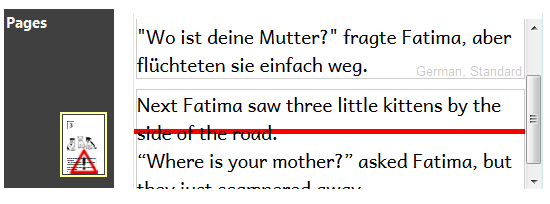
Red font color/red line
When a text box is too full, we refer to it as an overflow. This is not the same as a text box with too many words in a decodable reader.
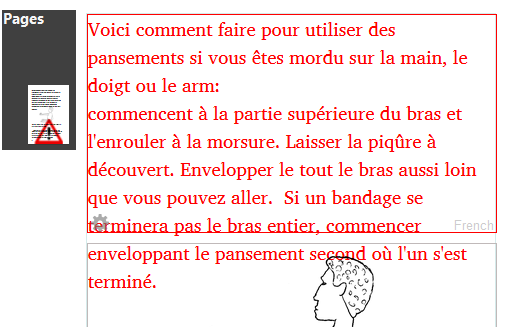
A page that has an overflowing text box is flagged ( ) in the Pages pane. On that page, you will see either a red font and border, or a red line.
- For most pages, a red font and red border color indicates a text box overflow.
To solve this, you can resize the text box or reduce the number of words in it, or change formatting.
Here is an example:
- For a custom or customized inside page, a red line indicates a text box overflow.
To solve this, you can resize the text box or reduce the number of words in it, or change formatting.
Here is an example: